Mockups: how to present logos, packaging and screens like a pro
Show a design in context — on a phone, a poster, a cup or a box — and clients understand it in seconds.
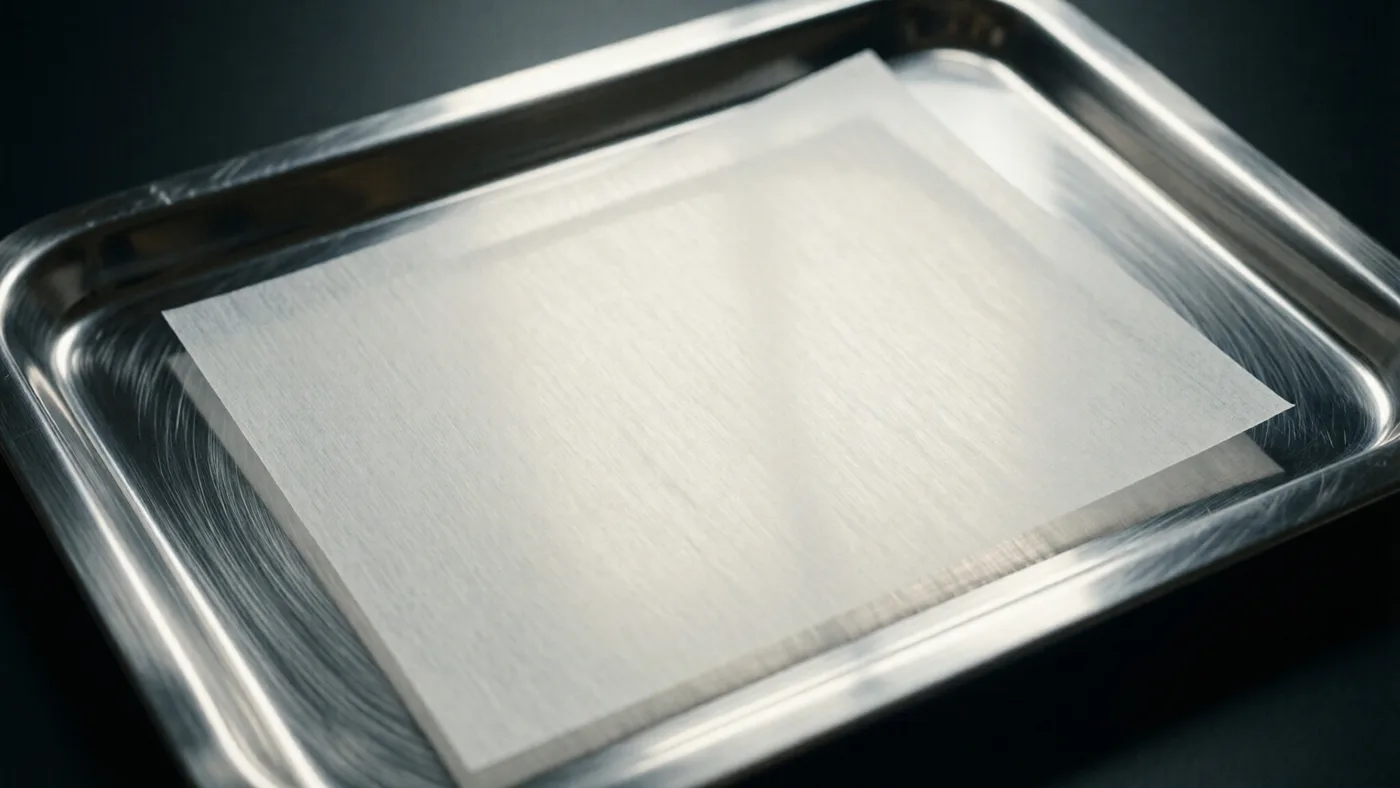
A logo on a white canvas is a file. The same logo on a shop sign, a coffee cup or a phone screen is a brand. Mockups close that gap and help clients and followers picture the real thing.





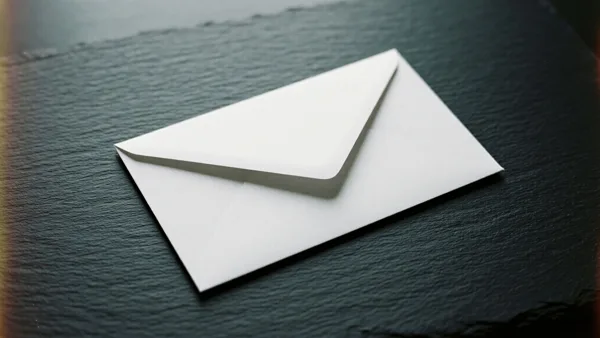
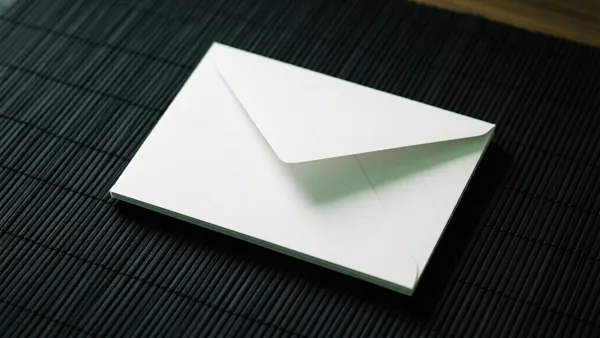
Portfolios and case studies
Every project in a portfolio looks stronger shown on two or three real objects. Pick mockups that match the client's world — packaging for food brands, screens for apps, posters for events.
Client presentations
Before printing anything, place the design on a mockup to check proportions and contrast. It saves revisions and makes approvals faster.
Online shops and print-on-demand
Products such as posters, shirts and mugs sell better when the buyer can see them in a room or in use.
Social media launches
Announce a rebrand or a new product with a short carousel: logo, mockup, mockup, call to action.
Tips
- Use the full-size download so your design stays sharp when placed.
- Match the lighting of the mockup with your artwork for a natural result.
- Explore Transparent PNG → Mockups for objects you can place on your own backgrounds.