Seasons & weather images: how to use them in campaigns, videos and social posts
Snowy mornings, summer light, autumn leaves and storm skies set a mood instantly. Here is where seasonal pictures do the most work.
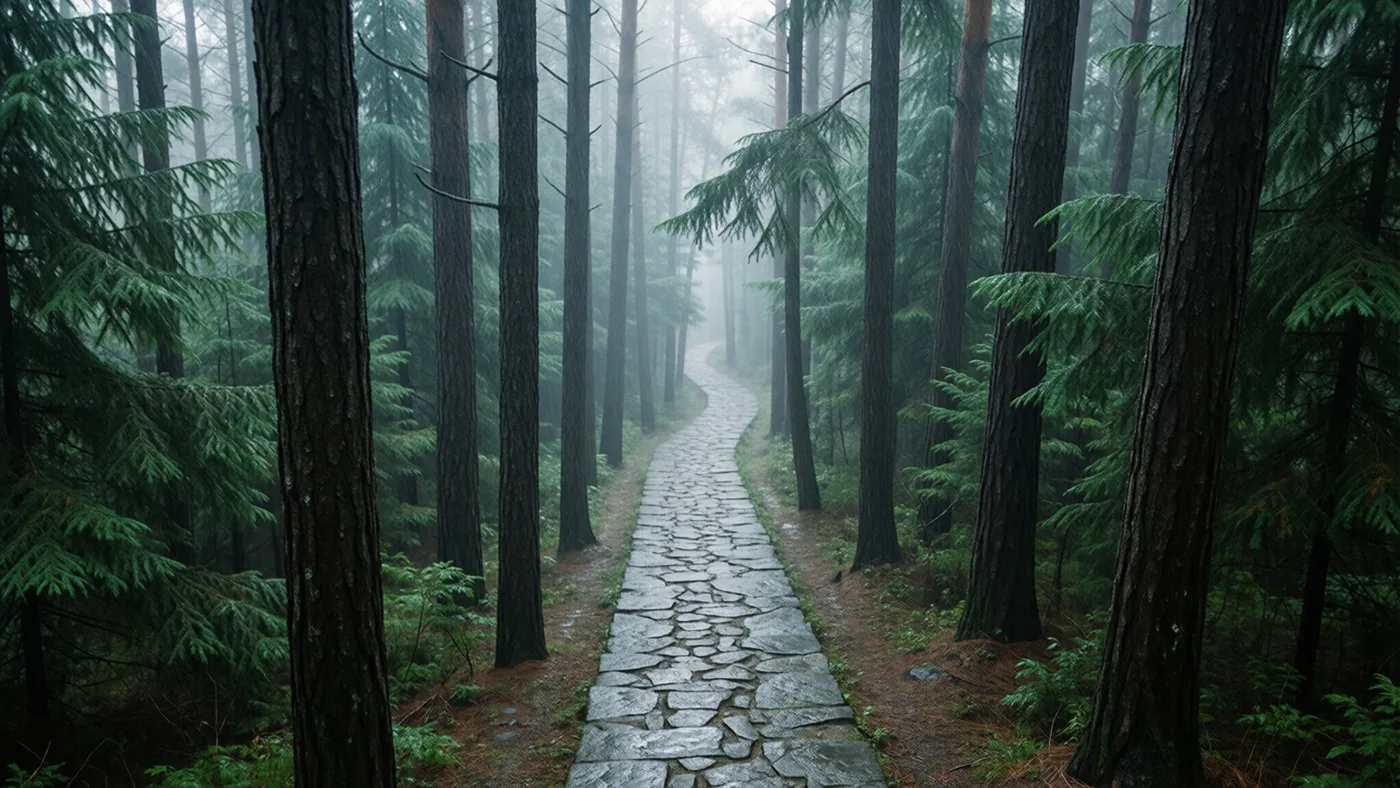
Weather is the quickest way to tell people when something is happening. A snowy street says December before anyone reads a word; low golden light says late summer. That makes seasonal pictures one of the most useful categories for anyone who publishes on a calendar.

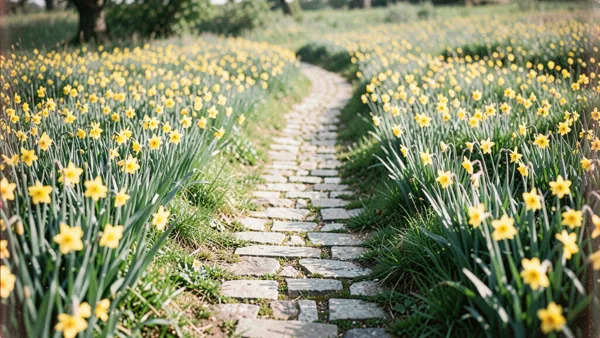




Browse all Seasons & Weather images →
Seasonal campaigns and newsletters
Retail and e-commerce teams change their visuals four times a year at least. A single strong season image behind the headline of an email, a hero banner or a sale page does more than a stack of product photos. Pick pictures with calm, empty areas — sky, snow, fog — so text stays readable.
Social media calendars
Plan a month of posts around the weather: first frost, the first warm weekend, rainy-day ideas. Square crops of seasonal textures (leaves, ice, raindrops) work well as quote-card backgrounds.
Video and motion design
Editors use weather shots as establishing frames and transitions. A slow push-in on a misty landscape is an easy opener for a vlog or a short film. For motion templates, wide landscape pictures make good backdrops behind animated text.
Presentations and reports
A quarterly report reads better with one image per season than with clip art. Keep to one palette — all cool winter blues, or all warm autumn tones — so the deck feels designed.
Tips
- Search with the season and the feeling: winter cozy, summer bright, autumn moody.
- Landscape orientation gives you room for headlines.
- Combine with the Holidays category for event-specific posts.