Free background music and sound effects for videos, podcasts and apps
How to choose a track that fits your edit, where sound effects make the biggest difference, and how to play and download them on Animdock Stock.
Sound is half of a video. The right background track sets the pace of an edit, and a few well-placed sound effects make transitions, titles and app interactions feel finished.
Listening before you download
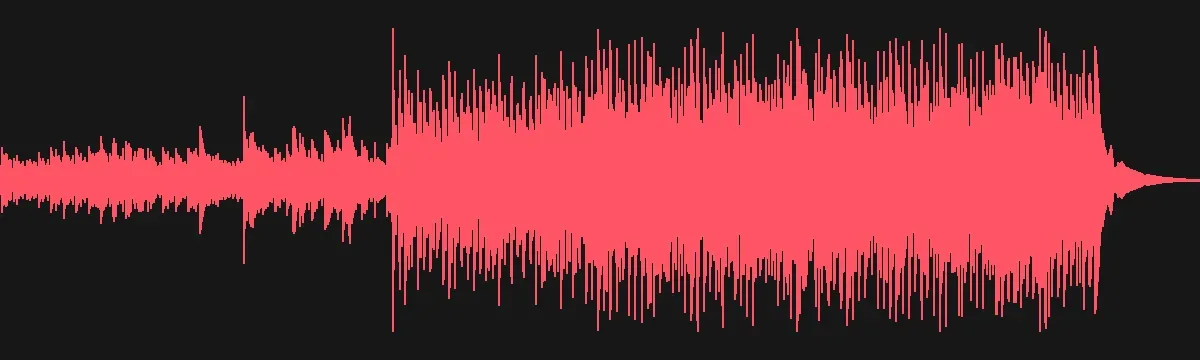
Every track and sound effect on Animdock Stock has a waveform player: press play, click anywhere on the waveform to jump to that part, and download only what fits. The waveform also shows at a glance where a track builds up and where it stays quiet — handy for placing voice-over.
Choosing music for your edit
- Vlogs and travel videos: acoustic and folk tracks keep things warm and personal.
- Product and corporate videos: steady, positive tracks that don't fight the voice-over.
- Trailers and intros: cinematic tracks with a clear build.
- Podcasts: short jingles for the intro and outro, ambient beds under the conversation.
Match the tempo to your cuts: faster tracks for quick edits, slower ones for long shots.
Where sound effects help most
- Transitions: whooshes and swishes on cuts and slides.
- Titles and text: soft clicks and pops when words appear.
- Atmosphere: wind, rain and city sounds under a scene make it feel real.
- Apps and games: interface sounds for taps, success and error states.
Tips
- Lower the music under speech (about -18 to -24 dB under the voice).
- Fade tracks in and out instead of cutting them.
- Pair sound with motion: an Animdock template plus a whoosh on every scene change is a complete intro.